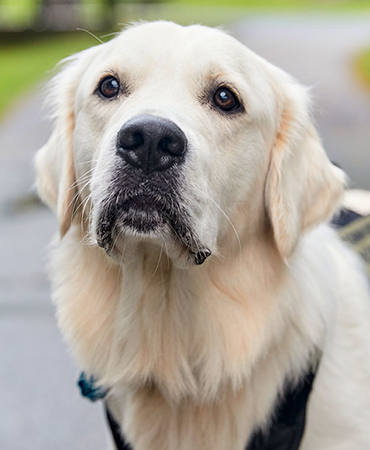
Unconstrained
"Set Image Location" is "no constrain".
Image keeps aspect ratio.
"Set Image Location" is "no constrain".
Image keeps aspect ratio.
"Set Image Location" is "Taller".
Image is cropped.
"Set Image Location" is "Shorter".
Image is cropped.

Set Image Location is "no constrain".
Image will keep aspect ratio.
"Set Image Location" is "Taller".
Image is cropped.
Set Image Location is "Shorter".
Image will be cropped.
Body text only in this field
"Set Image Location" is "25%".
Image is cropped and will always fill height of card.
Displaying lots of text. Displaying lots of text. Displaying lots of text. Displaying lots of text. Displaying lots of text. Displaying lots of text. Displaying lots of text. Displaying lots of text. Displaying lots of text. Displaying lots of text. Displaying lots of text. Displaying lots of text. Displaying lots of text. Displaying lots of text. Displaying lots of text. Displaying lots of text. Displaying lots of text. Displaying lots of text. Displaying lots of text. Displaying lots of text. Displaying lots of text. Displaying lots of text. Displaying lots of text.
Set Image Location is Left "33%".
Image is cropped and will always fill height of card.
Displaying lots of text. Displaying lots of text. Displaying lots of text. Displaying lots of text. Displaying lots of text. Displaying lots of text. Displaying lots of text. Displaying lots of text. Displaying lots of text. Displaying lots of text. Displaying lots of text. Displaying lots of text. Displaying lots of text. Displaying lots of text. Displaying lots of text. Displaying lots of text. Displaying lots of text. Displaying lots of text. Displaying lots of text. Displaying lots of text. Displaying lots of text. Displaying lots of text. Displaying lots of text.

"Set Image Location" is "none selected".
Image will keep aspect ratio and not always fill height of card.
Displaying lots of text. Displaying lots of text. Displaying lots of text. Displaying lots of text. Displaying lots of text. Displaying lots of text. Displaying lots of text. Displaying lots of text. Displaying lots of text. Displaying lots of text. Displaying lots of text. Displaying lots of text. Displaying lots of text. Displaying lots of text. Displaying lots of text. Displaying lots of text. Displaying lots of text. Displaying lots of text. Displaying lots of text. Displaying lots of text. Displaying lots of text. Displaying lots of text. Displaying lots of text.

"Set Image Location" is "none selected".
Image keeps aspect ratio and not always fill height of card.
Displaying lots of text. Displaying lots of text. Displaying lots of text. Displaying lots of text. Displaying lots of text. Displaying lots of text. Displaying lots of text. Displaying lots of text. Displaying lots of text. Displaying lots of text. Displaying lots of text. Displaying lots of text. Displaying lots of text. Displaying lots of text. Displaying lots of text. Displaying lots of text. Displaying lots of text. Displaying lots of text. Displaying lots of text. Displaying lots of text. Displaying lots of text. Displaying lots of text. Displaying lots of text.
These card only have a top image
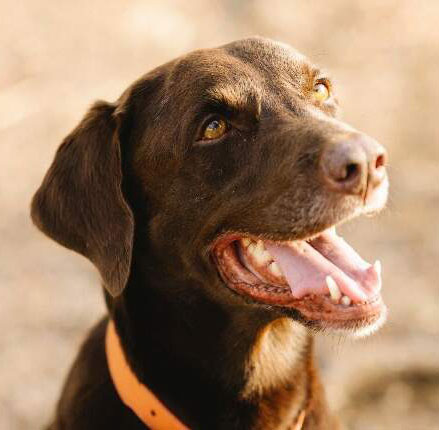
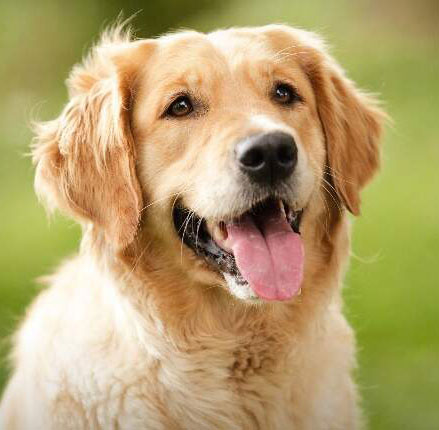
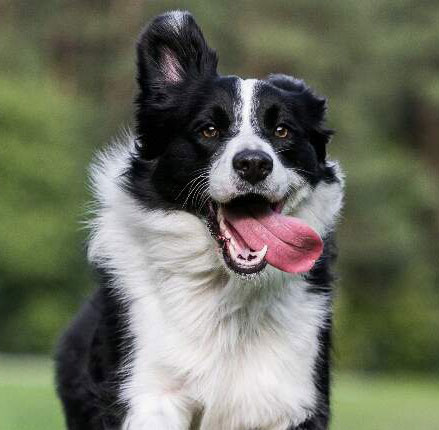
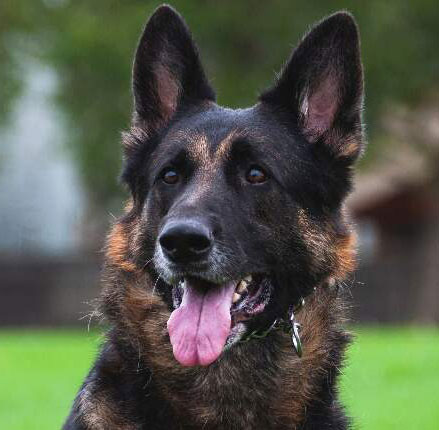
Card Simple to be placed within Dropdown Menu. Radio Button "Is Being Placed in Dropdown Menu" below is checked "yes".
Goes in: EDU + Portal main content area + Advanced Grid Wrapper
Margin-bottom: 6rem (with margin-bottom options)
Spans width: 100% of container it is in
Note: if the card is too thin where the image isn’t really visible, the width may not work well (due to the text and the image fighting to fill the space that card is allotted) and the card should be stacked at that point
Has options for:

Body Text for large font sizing is 18px. Card has Cedar Key LT background.


